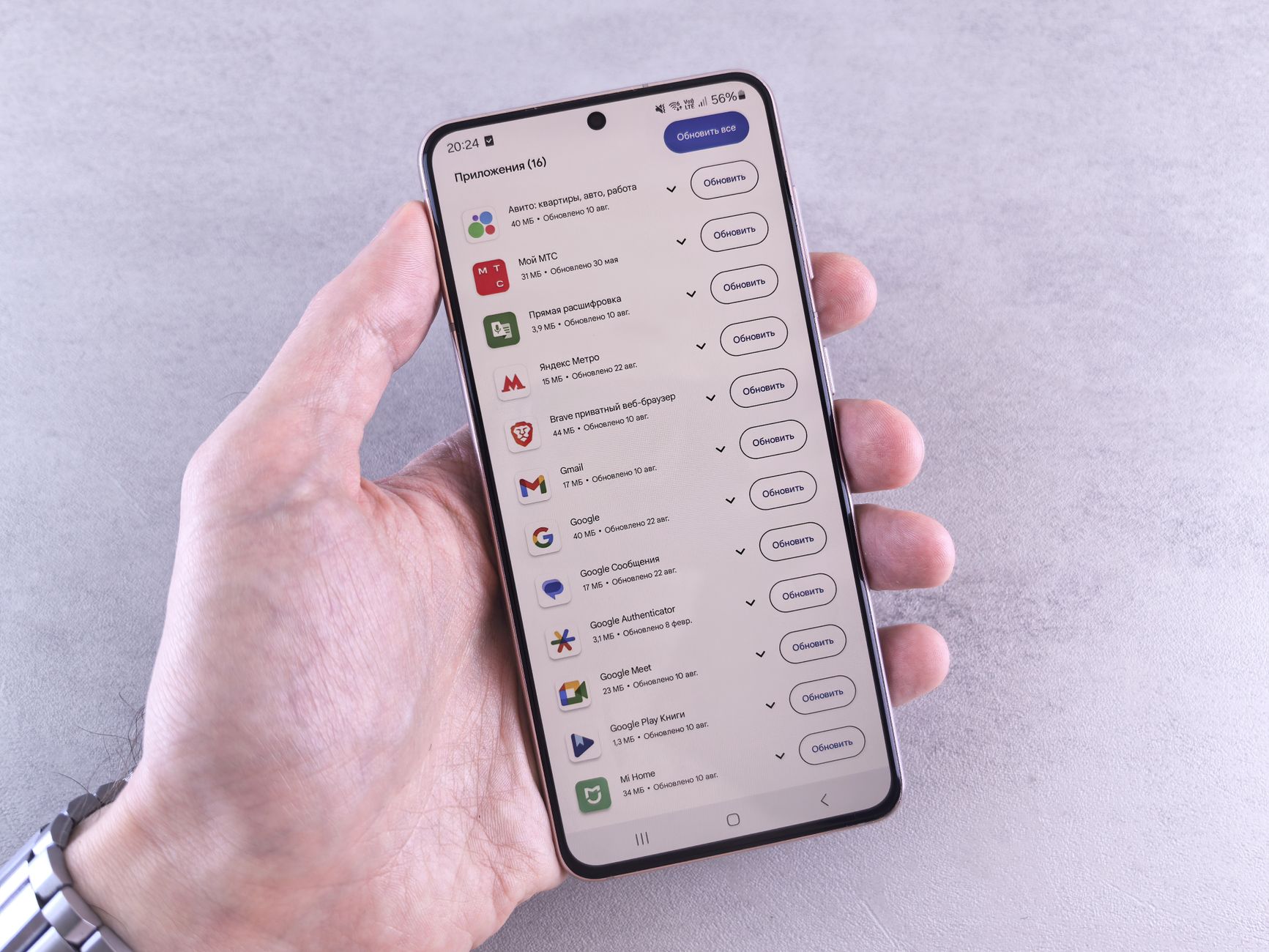
ColorOS 17 update brings significant enhancements, including smarter Xiaobu memory and seamless drag-and-drop functionality. This update aims to improve overall performance and user interaction.
Overview of ColorOS 17 Update
The ColorOS 17 update has been released, bringing a host of new features designed to enhance user experience and device performance. With this latest update, users can expect improvements that cater to both productivity and ease of use.
One of the standout features is the enhanced Xiaobu Memory, which optimizes app performance by intelligently managing background tasks. This means that users can enjoy faster app launches and smoother multitasking without the usual lag.
Another significant addition is the seamless drag-and-drop functionality, which simplifies the way users interact with apps and files. This feature allows for quick transfers of images, documents, and other content between applications, making workflows more efficient.
In addition to these features, the update brings various optimizations that improve battery life and device stability, ensuring a more reliable experience overall. As users explore the ColorOS 17 update, they will find that these smart enhancements significantly contribute to a more fluid and enjoyable smartphone experience.
Key Features of the Update
The recent ColorOS 17 update introduces several key features designed to enhance user experience and streamline device functionality. This update showcases the integration of advanced smart features that cater to the needs of modern smartphone users.
- Smart Xiaobu Memory: This feature intelligently manages background apps, optimizing memory usage to ensure smoother multitasking.
- Seamless Drag-and-Drop: Users can easily transfer files between apps with a simple drag-and-drop gesture, making workflows more efficient.
- AI-Powered Performance: The update leverages artificial intelligence to optimize device performance based on user habits, ensuring a personalized experience.
- Enhanced Privacy Controls: ColorOS 17 introduces new privacy features that give users greater control over their data, keeping sensitive information secure.
- Refined User Interface: The update brings a fresh and intuitive design, making navigation easier and more enjoyable for users.
Overall, the ColorOS 17 update not only enhances existing features but also introduces innovative tools that promise a seamless user experience.
How to Install ColorOS 17
Installing the ColorOS 17 update is a straightforward process that ensures you can enjoy the latest features and enhancements on your device. Follow these steps to successfully update your smartphone:
- Check Compatibility: Ensure your device is eligible for the ColorOS 17 update. Generally, devices launched within the last couple of years are supported.
- Backup Your Data: Before initiating the update, it’s wise to back up your important data to prevent any loss during the installation process.
- Connect to Wi-Fi: Make sure your device is connected to a stable Wi-Fi network to avoid interruption during the download.
- Access Settings: Navigate to the Settings app on your device and select Software Update.
- Download the Update: If the ColorOS 17 update is available, you will see an option to download it. Tap Download to start the process.
- Install the Update: Once downloaded, follow the on-screen instructions to install the update. Your device may restart during this process.
After the installation is complete, you will be able to experience the new features that ColorOS 17 has to offer, enhancing your overall user experience.
User Feedback on the Update
User feedback on the ColorOS 17 update has been overwhelmingly positive, highlighting the improvements in user experience and functionality. Many users have expressed appreciation for the enhanced Xiaobu Memory feature, which allows for a smoother multitasking experience.
In a recent survey, several users shared their thoughts:
- “The seamless drag-and-drop feature has transformed the way I interact with my apps. It’s incredibly intuitive!”
- “I love how responsive my device feels after the update. It’s like I have a brand new phone!”
- “The customization options are fantastic, making it easy to tailor the interface to my preferences.”
Additionally, users noted that the battery optimization improvements have extended device life, allowing for longer usage between charges. However, some users reported minor glitches that they hope will be addressed in future updates. Overall, the ColorOS 17 update has set a new standard for user satisfaction, proving to be a game changer in the world of smartphone operating systems.
Comparison with Previous Versions
The ColorOS 17 update marks a significant evolution compared to its predecessors, bringing enhancements that cater to user needs and modern smartphone functionalities.
One of the most notable improvements is the introduction of the enhanced Xiaobu Memory, which facilitates better multitasking capabilities. This feature allows users to switch between applications seamlessly, a significant upgrade from the previous version’s performance.
Another area of enhancement is the drag-and-drop functionality. Users can now easily transfer files and photos with a simple gesture, streamlining processes that were more cumbersome in earlier versions.
In terms of design, ColorOS 17 introduces a more intuitive user interface, offering a cleaner layout and improved accessibility options. Feedback from users indicates that these changes have made navigation much more fluid and enjoyable.
Battery management has also seen improvements, with the latest update optimizing background processes to enhance overall device efficiency. This contrasts sharply with earlier iterations that often struggled with power consumption.
Overall, the ColorOS 17 update showcases a commitment to refining user experience, making it a standout release in the ColorOS series.
Benefits of Smarter Xiaobu Memory
The latest ColorOS 17 update introduces a range of enhancements to the Xiaobu Memory feature, offering several benefits that streamline user experience and improve efficiency. The Smarter Xiaobu Memory leverages advanced algorithms to optimize resource management, ensuring that apps run smoothly without consuming excessive battery life.
Among the key advantages of the new Xiaobu Memory are:
- Enhanced Multitasking: Users can switch between applications effortlessly, with reduced lag time and improved responsiveness.
- Intelligent Resource Allocation: The system prioritizes active apps and processes, freeing up memory for tasks that require immediate attention.
- Seamless Drag-and-Drop: This feature allows users to easily transfer content between apps, simplifying workflows and enhancing productivity.
- Battery Optimization: Smarter Xiaobu Memory minimizes background activity, leading to longer battery life and improved overall device performance.
With these enhancements, the ColorOS 17 update not only makes everyday tasks easier but also transforms how users interact with their devices.
Future Updates and Expectations
As we look ahead, the future of the ColorOS 17 update promises even more enhancements and features tailored to user needs. With the recent October update highlighting the Smarter Xiaobu Memory and seamless drag-and-drop capabilities, users can expect continual improvements that enhance their overall experience.
Upcoming updates are likely to focus on:
- Enhanced AI Integration: Further advancements in artificial intelligence could lead to personalized user experiences, optimizing app usage and performance.
- Improved Battery Management: Future versions may include smarter algorithms for managing battery life, potentially extending device longevity.
- Expanded Customization Options: Users can anticipate more themes and layouts, allowing for greater personalization of their devices.
- Enhanced Security Features: With growing concerns over privacy, updates might introduce more robust security protocols to protect user data.
Overall, the evolution of ColorOS 17 and its subsequent updates will focus on creating a seamless user experience, incorporating feedback and technological advancements to meet the demands of its users.
Photo by Andrey Matveev on Pexels